
Connecting your data: approved integrations and how they work
Nexoya connects to your advertising channels and analytics sources through their official APIs. Once a channel is connected, Nexoya automatically reads its performance data, including history, and keeps it in sync. No pixels, tags, or tracking scripts need to be installed, and no personal customer data is collected.
Available integrations in Nexoya Starter
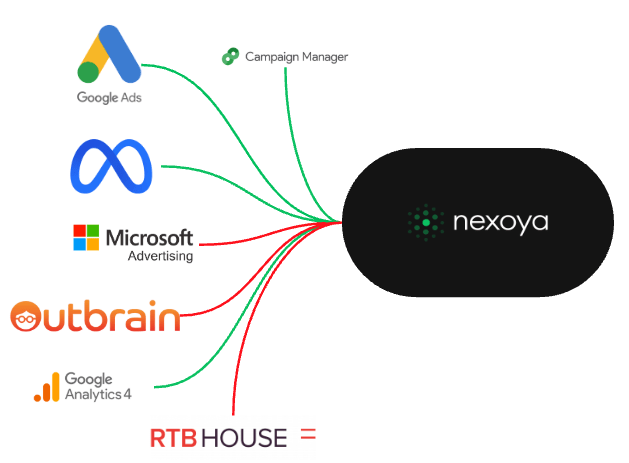
Nexoya Starter supports the following integrations:
Advertising channels: Google Ads, Meta, TikTok, Pinterest, Microsoft Advertising (Bing), Criteo, Taboola, Outbrain, and Amazon Ads.
Analytics: Google Analytics 4. Connecting GA4 lets you use its events, such as sessions and conversions, as data sources for your funnel. See Defining your funnel and Northstart KPI.
Additional 40+ integrations and custom data imports are available on Nexoya Premium.
How to connect a channel
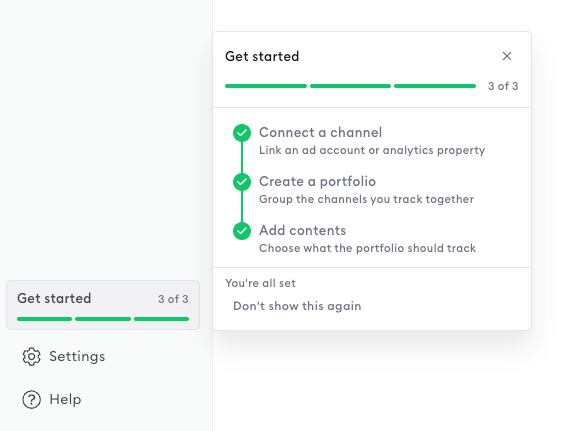
- Open your team settings and go to the “Integrations” tab. Each available integration is shown as a card; use the search bar to find a channel quickly.
- Switch on the toggle of the channel you want to connect and log in with an account that has access to the ad account in question. Use a work account with sufficient permissions, typically provided by an admin, rather than a personal login.
- Authorize the connection. Nexoya then starts reading the account’s data, including historical performance.
Repeat this for every channel you run campaigns on. The more complete the data, the more complete your cross-channel view.
How the data flows
For all channels in Nexoya Starter, the connection works one way: Nexoya reads performance data from the channel via API. Your campaigns and channel settings are never changed. On Nexoya Premium, the same connections are also used to apply optimized budgets back to the channels.
Troubleshooting
If a connection fails, the most common cause is insufficient permissions on the account used to authorize it. Check with your admin that the account has access to the ad account in question, then reconnect. For other connection issues, please submit your support ticket here, and our team will be happy to assist you.
Can’t find the answer to your question?
No problem, you can submit your question to us here.
Contact